
Executive Summary & Introduction
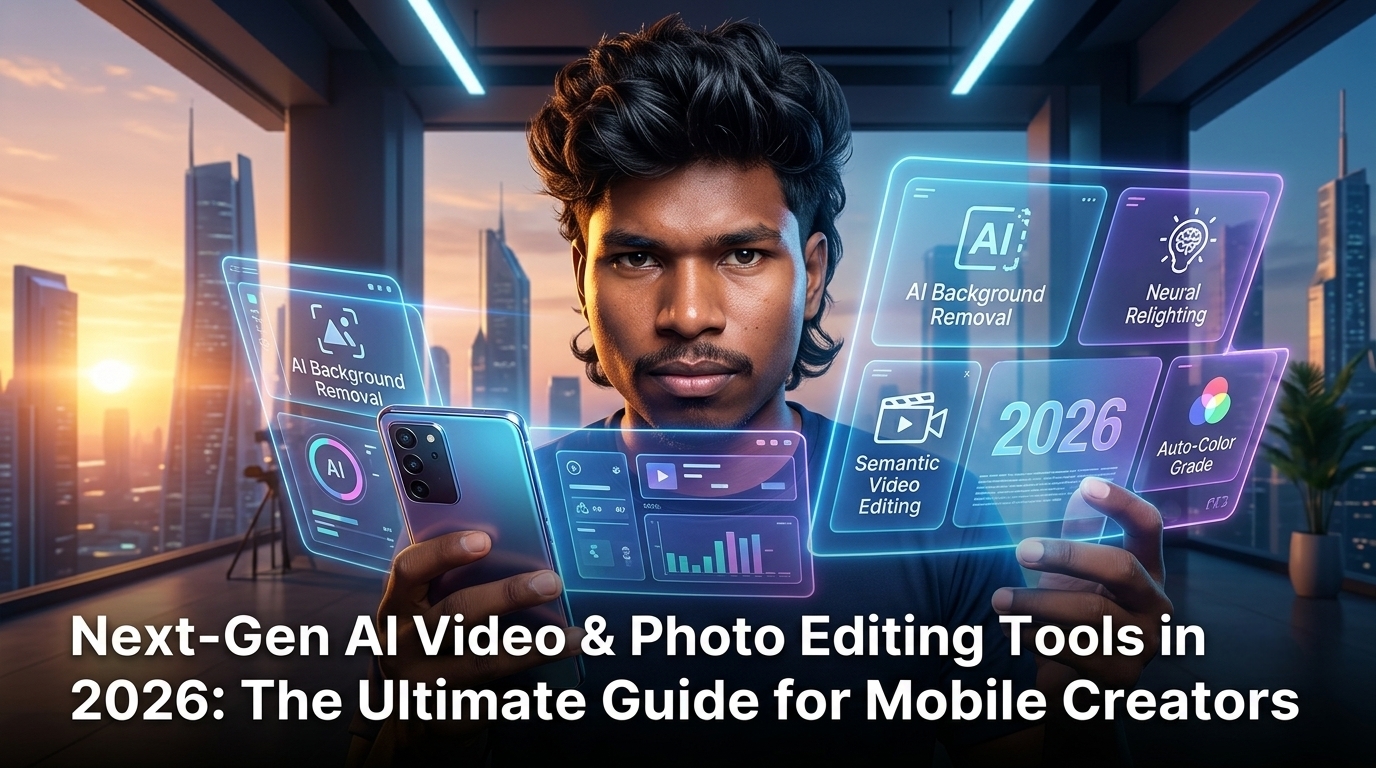
Mobile visual content creation has undergone a seismic shift. In 2026, content creators, visual designers, and mobile photographers no longer rely solely on heavy desktop workstations or tedious manual keyframing. Instead, on-device neural processing units (NPUs) and cloud-assisted generative AI engines have made sophisticated cinema-grade effects, automated color grading, and intelligent retouching accessible directly on mobile devices.
At ISMARTANJI CREATIONS, empowering creators with practical tech workflows is our core focus. Whether you manage a fast-growing Instagram channel, produce YouTube Shorts, or design promotional graphics for digital products, choosing the right editing stack determines your production speed and creative output. This comprehensive 2026 guide breaks down the most powerful AI video and photo editing tools, practical mobile workflows, and essential publishing standards for modern creators.
1. The 2026 Shift in Mobile Photo & Video Editing
1.1 From Manual Manipulation to Intent-Based Creation
Historically, mobile editing required painstaking manual adjustments—tweaking curves, brushing masks frame-by-frame, and hunting for software-based background removal algorithms. Modern editing suites in 2026 utilize intent-based editing. Creators simply describe or select the desired outcome—such as “match cinematic film lighting,” “remove glare and background clutter,” or “extend background aspect ratio”—and neural algorithms execute the adjustment across all keyframes instantaneously.
1.2 On-Device NPUs vs. Cloud Rendering
A major technological leap in 2026 is the balance between local processing and cloud computing. Smartphone system-on-chips (SoCs) equipped with multi-TOPS NPUs can run 8-bit quantized visual models locally. This means tasks like real-time background segmentations, automated skin retouching, and audio noise suppression happen with zero latency without consuming mobile data. Meanwhile, complex generative video extrapolation or 3D scene re-lighting utilizes cloud rendering seamless integrations.
2. Top AI Photo Editing Tools for 2026
2.1 Generative Fill & Aspect Expansion
Generative expand algorithms allow mobile editors to reframe horizontal shots into vertical social media formats without cropping out essential detail. Modern AI photo engines analyze texture patterns, lighting angles, and perspective lines to synthesize matching context naturally.
- Best Applications: Adapting landscape photography for vertical Instagram Reels and mobile banner layouts.
- Key Feature: Resolution-preserving edge blend that keeps textures sharp across high-megapixel camera sensors.
2.2 Neural Retouching & Object Removal
Legacy magic erasers often left smudged artifacts or artificial blur. In 2026, generative object removal replaces unwanted elements by understanding underlying depth maps. If an object in front of a patterned backdrop or complex architectural feature is removed, the engine reconstructs the hidden geometry flawlessly.
2.3 Style Transfer & Custom Watermarking
For branding-focused creators and mobile photographers, maintaining visual consistency across hundreds of posts is vital. Advanced neural style engines allow creators to train custom look-up tables (LUTs) and apply signature branding watermarks across batch photo exports without degradation.
3. Leading AI Video Editing Platforms in 2026
3.1 Real-Time Motion Tracking & Rotoscoping
Rotoscoping—the process of isolating a moving subject from its background—used to take hours of manual frame masking. 2026 AI video tools offer single-tap subject isolation that maintains hair-fine detail and transparency even under challenging motion blur conditions.
- Key Advantage: Place text, graphics, or lighting layers directly behind moving subjects with instant depth estimation.
3.2 Automated Smart Captions & Audio Isolation
Audio clarity is just as critical as visual fidelity. Modern mobile editors include multi-language neural speech isolation that strips ambient wind, crowd noise, or room reverb while keeping the speaker’s vocal tone natural. Simultaneously, automated smart captions generate synchronized, styled text overlays with dynamic emphasis.
3.3 Generative B-Roll & Aspect Adaptation
Generating relevant supplementary visual footage (B-roll) or shifting 16:9 video content to 9:16 vertical shorts is now fully automated. AI scene detection tracks focal subjects automatically, keeping key action centered throughout aspect ratio conversions.
4. Comparing Top Mobile Editing Tools (2026 Matrix)
| Feature | On-Device Mobile AI Suite | Cloud-Based Generative Engine | Traditional Desktop NLE |
|---|---|---|---|
| Latency | Near Zero (Local NPU) | 2–10 seconds (Network) | Low (Hardware dependent) |
| Offline Support | Full Capability | Limited / None | Full Capability |
| Best Use Case | On-the-go social editing & fast turnaround | Generative scene creation & complex retouching | High-bitrate broadcast production |
| Cost Model | Included with device / App subscription | Token / Monthly tier | Perpetual / Subscription |
5. Best Practices for Quality Control & AdSense Monetization
When publishing content created or enhanced with AI editing tools, maintaining originality and platform compliance is mandatory for monetization on sites like ISMARTANJI CREATIONS.
- Maintain Original Visual Ownership: Avoid over-relying on fully synthetic stock assets. Ground your posts in original photography and video footage, using AI as an enhancement layer.
- Compress Assets for Web Speed: High-resolution AI exports can produce large file sizes. Convert web images to WebP/AVIF formats and optimize video bitrates to preserve fast page loading speeds.
- Verify Compliance Guidelines: Ensure that visual edits comply with publisher policies regarding authentic representation and clear disclosure when significant generative alterations are made.
Conclusion & Next Steps for Creators
AI video and photo editing tools in 2026 have shifted creator focus from mechanical software manipulation to high-level artistic direction. By integrating smart mobile suites into your daily publishing routine, you can produce professional-grade visuals faster while devoting more energy to storytelling and community building.
Explore more tech guides, tutorials, and editing insights on ISMARTANJI CREATIONS.
DOWNLOAD LINK