
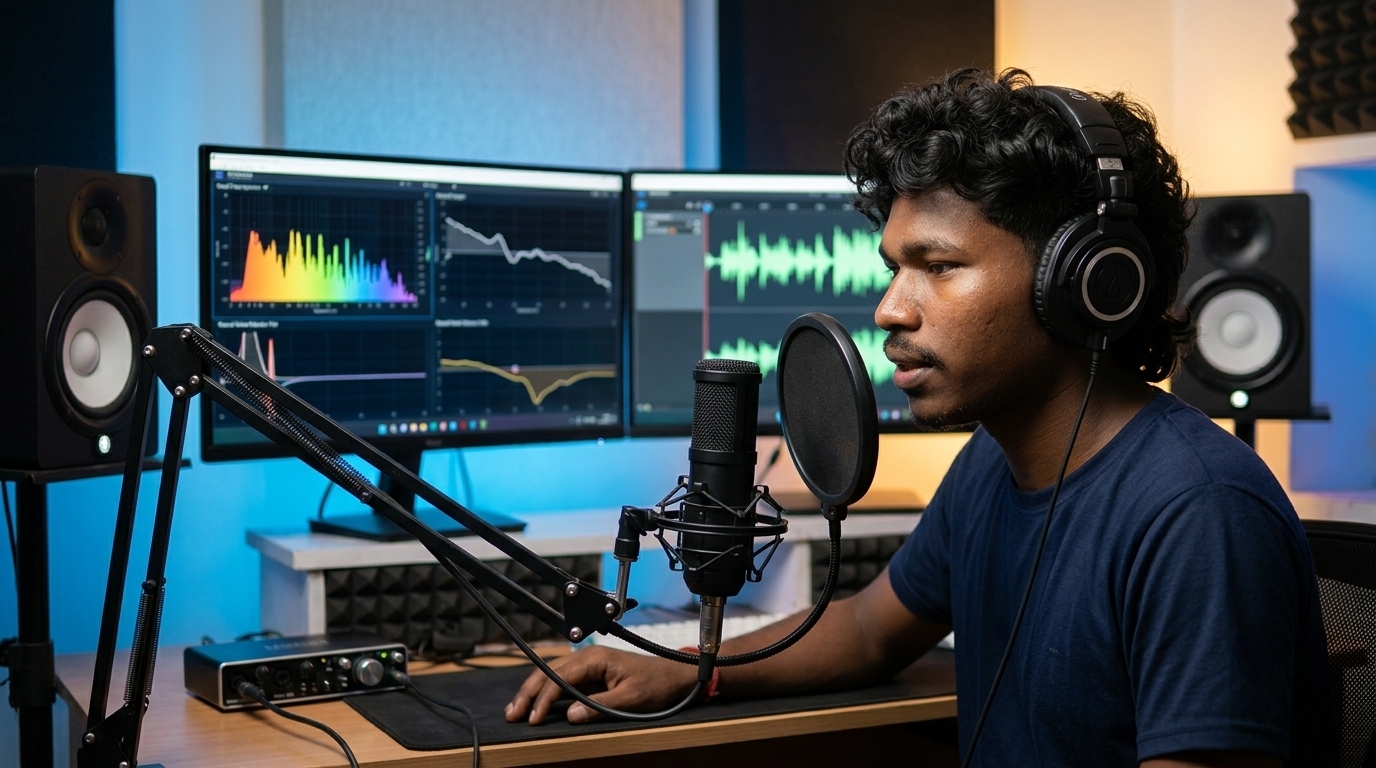
Discover Seven AI audio tools for voice synthesis, stem separation and sound design transforming content creation in 2026. Master neural voice cloning, generative music, and studio voice enhancement.
Overview & Context
Audio makes or breaks video retention. Viewers will tolerate a 1080p camera feed or basic lighting, but bad audio drives people away within three seconds. For decades, getting crisp dialogue and original background music required thousands of dollars in gear. You had to treat your room with fiberglass panels, buy preamps, fight room echo, and spend hours slicing out bad takes.
That changes completely this year. In 2026, neural acoustic models run directly on local hardware and cloud clusters. You do not need an isolated sound booth to record voiceovers anymore. You can record a podcast on a budget phone in a noisy room, and neural restorers will rebuild lost frequencies as if you spoke into an expensive studio microphone. You can clone your own voice to fix misread lines without re-recording. You can even write full, multi-instrument instrumental tracks from scratch without paying recurring licensing fees to stock music catalogs.
At ISMARTANJI CREATIONS, we focus on real, practical technology workflows that help independent creators build authority. Following our recent guides on 7 Breakthrough AI Coding Tools for Developers in 2026, 7 Powerful AI Photo Editing Tools for Creators in 2026, and 7 Powerful AI Video Editing Breakthroughs for Creators in 2026, this breakdown examines the seven most capable AI audio tools worth adding to your production setup in 2026.
1. How Neural Audio Processing Works
Understanding the underlying tech helps you get better results out of modern sound tools. Older audio software relied on simple math: noise gates cut off sound below a certain decibel level, while equalizers boosted or cut fixed frequency bands. If a loud truck drove past your window, an old filter would butcher your voice trying to silence the engine.
Modern neural audio tools treat sound as structured data arrays. They process audio through three main steps:
- Neural Tokenization: Instead of analyzing every single raw audio sample, neural encoders compress sound into compact data tokens that represent pitch, vocal cadence, and room geometry.
- Latent Diffusion Modeling: The model removes noise by predicting what clean human speech or clean musical instruments sound like in that acoustic space. It resynthesizes missing harmonic frequencies instead of just deleting frequencies.
- Neural Vocoders: A high-speed vocoder converts the predicted data back into full 48kHz, 24-bit studio audio with natural low-end body and clear highs.
2. Traditional Audio Editing vs. Modern Neural Workflows
Here is how daily audio tasks differ when switching from legacy audio editors to modern neural pipelines:
| Audio Task | Traditional Workflow (Legacy) | Modern Neural Workflow (2026) |
|---|---|---|
| Room Echo & Hiss Removal | Stack multiple noise gates, EQ cuts, and phase filters | One-click neural dereverberation that restores vocal body |
| Background Music Scoring | Dig through stock libraries, check licenses, trim cuts | Prompt custom instrumental tracks matched to exact video length |
| Multilingual Voice Tracks | Hire voice actors, pay studio rates, align audio | Clone your voice into 35+ languages with original pitch |
| Fixing Misspoken Words | Set up mic again, match room tone, re-record sentence | Type replacement text to generate corrected voiceover |
| Isolating Audio Stems | Ask for raw DAW multi-tracks or deal with muffled bleed | Neural 16-stem extraction from any stereo audio file |
| Average Episode Audio Edit | 3 to 6 hours of manual waveform tweaking | 15 to 30 minutes of automated text editing |
3. The Neural Audio Production: Voice Synthesis, Stem Separation, and Sound Design
We tested dozens of platforms across voice generation, audio cleaning, music composition, and stem separation. These seven stand out for their reliability, output quality, and real-world creator utility.
1. ElevenLabs Voice 3.0: High-Fidelity Voice Synthesis & Translation
- Best For: Video essayists, documentarians, indie game developers, and international publishers.
- Primary Advantage: Natural vocal delivery with realistic micro-pauses and accent-accurate multilingual voice cloning.
- Zero-Shot Voice Cloning: Feed in 60 seconds of clean speech to build a working digital voice profile that matches your natural voice.
- Pacing & Emotional Sliders: Adjust narration style from calm tutorial explanations to urgent storytelling beats without artifacts.
- Automatic Video Dubbing: Upload an MP4 video to translate your voice into Hindi, Telugu, Spanish, Japanese, or German while preserving your original vocal identity and background sound effects.
2. Suno v4: Complete Song & Instrumental Generation
- Best For: YouTubers, game developers, social video editors, and indie filmmakers.
- Primary Advantage: Composes full-length, structured music tracks across any genre using simple text descriptions.
- Multi-Stem Audio Export: Export separate WAV stems for drums, bass, synths, acoustic guitar, and lead vocals directly into your video editor or DAW.
- Lyric & Structural Control: Paste custom lyrics or use structural tags like [Verse], [Heavy Beat Drop], and [Acoustic Outro] to guide song progression.
- Commercial Safety: Paid tiers provide full commercial ownership, protecting your videos from copyright claims.
3. Adobe Podcast AI (Studio Sound 2026): One-Click Audio Restoration
- Best For: Field interviewers, phone vloggers, podcasters, and remote meeting hosts.
- Primary Advantage: Rebuilds vocal clarity from low-end microphones recorded in untreated, noisy spaces.
- Echo & Room Reverberation Removal: Strips hollow echoes from large tiled rooms, garages, and bedrooms.
- Vocal Body Reconstruction: Adds warmth to cheap headset and phone mics, matching the tone of studio broadcast microphones.
- Auto-Leveling: Matches standard loudness curves across multiple speakers without crushing acoustic range.
4. Descript Underlord: Text-Based Audio & Video Editing
- Best For: Podcasters, tutorial makers, and weekly video creators.
- Primary Advantage: Edit your audio waveform by simply editing the text transcript.
- Filler Word Removal: Identifies and cuts out filler sounds and repeated phrases with a single click while maintaining smooth room tone.
- Overdub Voice Correction: If you misread a date or name, type the correction into the transcript. Descript generates the corrected audio in your cloned voice.
- Automatic Leveling: Balances audio levels between remote guests so one person does not overpower the mix.
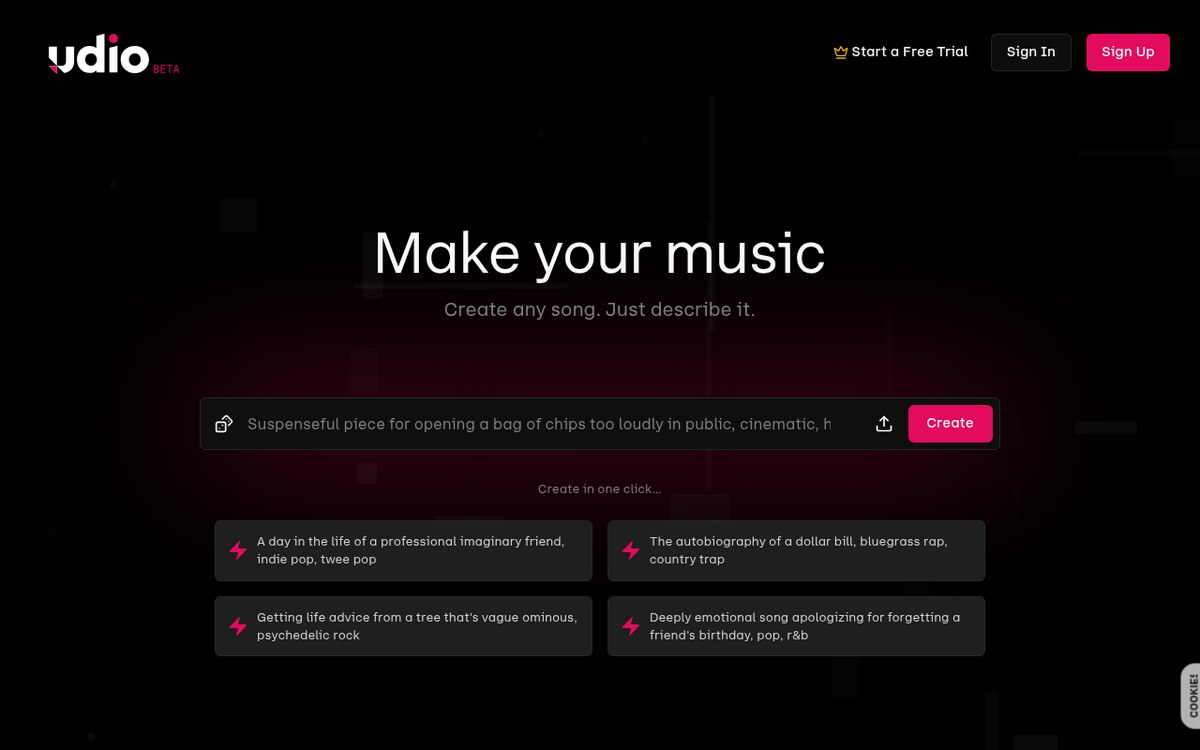
5. Udio 2.0: Nuanced Music Synthesis & Style Blending
- Best For: Film scorers, game sound designers, and creative directors.
- Primary Advantage: High acoustic fidelity with deep genre blending and precise audio section editing.
- Style Blending: Combine genres with exact balance (e.g., 70% Neoclassical String Ensemble + 30% Cyberpunk Bass Synth).
- Section-by-Section Inpainting: Select a specific five-second section of a generated song to re-roll the melody or add an instrumental solo.
- 48kHz Master Quality: Outputs crisp audio tracks ready for video timelines and commercial mixes.
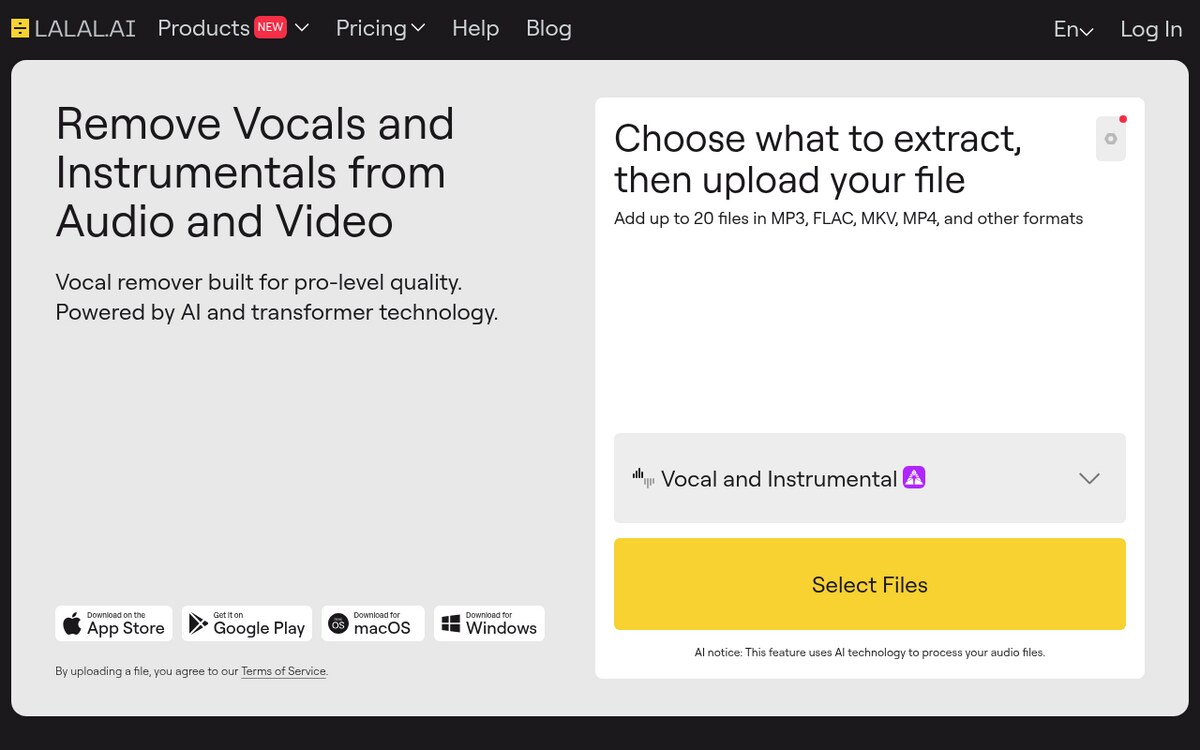
6. LALAL.AI Pro: Precision Neural Stem Extraction
- Best For: Remixers, video editors, audio cleaners, and musicians.
- Primary Advantage: Splits any mixed audio file into clean, isolated instrument and vocal stems.
- 16-Stem Neural Demixing: Extracts vocals, drums, bass, piano, electric guitar, acoustic guitar, and synthesizer tracks separately.
- Voice Isolation: Separates speaking voices from background city noise, traffic, and room chatter.
- Batch Processing: Handles large WAV and MP3 batches rapidly through cloud servers.
7. Soundful & Beatoven.ai: Adaptive Background Tracks for Video
- Best For: Streamers, corporate video editors, and daily YouTube creators.
- Primary Advantage: Generates royalty-free background music that automatically adjusts to video pacing.
- Timeline Emotion Markers: Set music energy levels to match your video (e.g., calm intro, rising tension, energetic resolution).
- Smart Auto-Ducking: Automatically lowers music volume when speech is detected so dialogue stays clear.
- Royalty-Free Guarantee: Every track is generated uniquely, ensuring complete safety from automated copyright flags.
4. A 5-Step Production Pipeline for Creators
Here is an efficient way to connect these tools into a fast, repeatable audio workflow for your videos or podcasts:
- Step 1: Record or Synthesize: Record your spoken audio, or generate narration using ElevenLabs Voice 3.0 if producing voiceover-driven content.
- Step 2: Clean Acoustics: Run your voice recording through Adobe Podcast AI to eliminate room echo and boost vocal presence.
- Step 3: Edit on the Timeline: Open the audio in Descript to cut filler words, fix awkward pauses, and patch misspoken words with text overdubbing.
- Step 4: Generate Custom Music: Use Suno v4 or Beatoven.ai to generate a matching background soundtrack that fits your video’s mood and length.
- Step 5: Export at Standard Loudness: Set your master output to -14 LUFS for YouTube or -16 LUFS for podcasts to ensure balanced playback across phones, laptops, and car stereos.
5. Recommended Reading & Related Guides
Expand your creation toolkit with our in-depth guides on ISMARTANJI CREATIONS:
- 7 Breakthrough AI Coding Tools for Developers in 2026 — Build software faster with autonomous terminal agents and multi-file IDEs.
- 7 Powerful AI Photo Editing Tools for Creators in 2026 — Master neural photo retouching, upscaling, and generative image tools.
- 7 Powerful AI Video Editing Breakthroughs for Creators in 2026 — Automate timeline rough cuts, rotoscoping, and B-roll workflows.
- 7 Essential Mobile AI Features for Smartphones in 2026 — Use on-device NPUs, live speech translation, and privacy vaults on your phone.
- Generative Engine Optimization & AI Search in 2026 — Optimize your content for modern AI search engines and answer engines.
6. తరచుగా అడిగే ప్రశ్నలు (FAQ)
Q1: Will AI-generated music trigger copyright strikes on YouTube?
No, provided you use paid commercial tiers on platforms like Suno, Udio, or Soundful. These tools synthesize original audio waves from scratch rather than stitching together copyrighted samples, so they pass YouTube Content ID scans cleanly.
Q2: How does modern voice cloning handle regional accents and languages?
Modern models separate vocal tone from pronunciation rules. A tool like ElevenLabs Voice 3.0 learns your unique vocal timbre and applies it to foreign phonemes, allowing you to speak Telugu, Hindi, Spanish, or Japanese while sounding like yourself.
Q3: Can AI tools fix audio recorded in a windy or echoing room?
Yes. Unlike old filters that simply cut out frequency ranges, tools like Adobe Podcast AI use deep learning models to predict what the clean voice should sound like, actively rebuilding lost harmonics and stripping reverberation.
Q4: Which tool is best for beginners with no audio background?
For general creators and podcasters, pairing Descript with Adobe Podcast AI gives the smoothest setup. You clean your sound with one slider and edit your audio just like editing a simple text document.
Q5: What is the main difference between text-to-speech and voice cloning?
Old text-to-speech used generic, pre-recorded voice banks that sounded robotic and monotone. Modern neural voice cloning analyzes real human speech samples to replicate authentic breathing rhythms, natural pauses, and emotional delivery.
7. Summary & Action Plan
Neural audio tools allow small teams and solo creators to produce broadcast-level sound without renting professional recording studios. By pairing neural voice generation, automated acoustic cleaning, and custom music composition, you can build a clean, fast audio pipeline from any workspace.
Your 5-Step Action Checklist:
- Step 1: Test a raw audio clip in Adobe Podcast AI to evaluate automatic acoustic cleaning.
- Step 2: Build a voice profile in ElevenLabs for quick voiceover drafts and translation tests.
- Step 3: Try transcript editing in Descript to speed up dialogue trimming.
- Step 4: Generate an original instrumental background track using Suno v4 or Beatoven.ai.
- Step 5: Export your master audio at -14 LUFS for consistent volume across all platforms.
Visit ISMARTANJI CREATIONS for more practical guides on modern technology and creator workflows.
Sources & Further Reading
Written & Verified by Sampath Anji
Sampath Anji is a technology researcher, systems developer, and digital creator based in Telangana, India. He specializes in on-device AI architectures, autonomous agent workflows, high-throughput inference engines, and digital media production. Every tutorial on ISMARTANJI CREATIONS is grounded in code reproducibility, verified documentation, and transparent test environments. Read our full testing methodology on our About Us page, or submit feedback and code updates via our Contact Desk.