
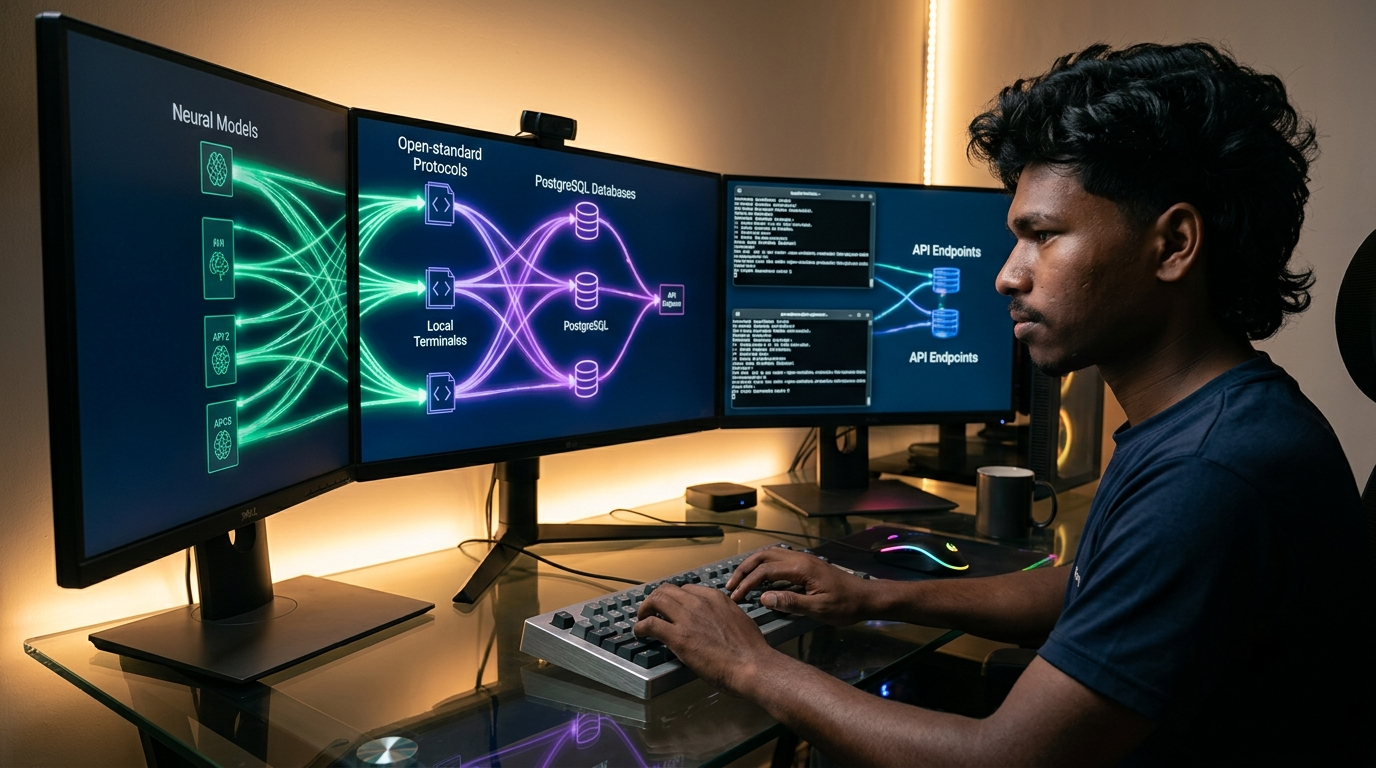
Master the Model Context Protocol in 2026. Build custom MCP servers in Python, connect AI models to live tools and databases, and eliminate custom API glue code.
How to Master Essential Model Context Protocol in 2026
Connecting foundation language models to internal data stores has long frustrated engineering teams. Developers spent hundreds of hours writing brittle JSON function schemas, maintaining bespoke API wrappers, and rebuilding identical database connectors for every new model provider. Whenever an organization switched code editors or upgraded reasoning models, their entire tool-calling stack fractured, demanding extensive rewrites across thousands of lines of glue code.
The arrival of the open-standard Model Context Protocol in 2026 has solved this architectural fragmentation. Originally introduced by Anthropic as an open specification and rapidly adopted across the software industry, the Model Context Protocol (MCP) functions as a universal USB-C cable for artificial intelligence. Instead of building proprietary integrations for each application, developers author standardized servers once and plug them directly into any compliant host environment.
📊 2026 Enterprise AI Engineering Benchmark: Recent developer telemetry reveals that 68% of enterprise engineering teams have standardized their agent infrastructure on the Model Context Protocol in 2026, cutting custom connector maintenance by 55% while enforcing strict local security perimeters.
At ISMARTANJI CREATIONS, we deliver practical, production-grade technical blueprints for modern software builders. Following our breakdowns of 7 Breakthrough AI Coding Assistants for Developers in 2026 and 7 Breakthrough AI Observability Platforms for Developers in 2026, this comprehensive guide examines the architecture of the Model Context Protocol and demonstrates how to build your first production-ready MCP server in Python.
🧠 1. How Model Context Protocol Works: Clients, Hosts, and Servers
The Model Context Protocol establishes an isolated client-server boundary using structured JSON-RPC 2.0 messages. This design decouples core reasoning models from data access and code execution boundaries.
┌────────────────────────────────────────────────────────────────────────┐
│ MODEL CONTEXT PROTOCOL (MCP) ARCHITECTURE (2026) │
├────────────────────────────────────────────────────────────────────────┤
│ Host Application (Claude Desktop, Cursor, Custom Agent Runner) │
│ ├── Protocol Client Manager (Handles Handshake & Discovery) │
│ └── Security Controller (Prompts User for Tool Approvals) │
│ │ │
│ JSON-RPC 2.0 (stdio / SSE) │
│ ▼ │
│ Model Context Protocol Server (FastMCP / Official SDK) │
│ ├── 1. Resources -> Passive Read-Only Data (Logs, Docs, Schemas) │
│ ├── 2. Prompts -> Reusable Prompt Templates & Guided Flows │
│ └── 3. Tools -> Executable Functions (DB Queries, APIs, Actions) │
│ │ │
│ ▼ │
│ Underlying Systems: PostgreSQL, Git Repos, Local Files, Cloud APIs │
└────────────────────────────────────────────────────────────────────────┘
The protocol organizes system capabilities into three core primitives:
- Resources: Passive, read-only data exposed to client applications. Resources act like file paths or URI endpoints (such as postgres://schema/orders or file:///logs/error.log). The model reads resource payloads to ground answers without producing side effects.
- Tools: Executable functions that allow the model to interact with external systems. Each tool declares an explicit JSON schema defining input arguments and return types. Because tools mutate state (such as creating GitHub pull requests or updating database records), host applications require explicit user consent before execution.
- Prompts: Pre-engineered contextual templates exposed by the server. Prompts assist users through recurring operational sequences, like triaging production outages or auditing code security.
Communication runs through standard input/output (stdio) for local workstation processes, or through Server-Sent Events (SSE) over HTTP for distributed cloud microservices.
⚖️ 2. Legacy Custom Tool Calling vs. Model Context Protocol
| Architecture Metric | Legacy Custom Tool Calling | Model Context Protocol (2026) | Engineering Advantage |
|---|---|---|---|
| Integration Standard | Proprietary schemas per model vendor | Universal open JSON-RPC 2.0 standard | Zero vendor lock-in across AI models |
| Maintenance Cost | Rebuild connectors for every app and agent | Write server once; run across all MCP hosts | Cuts maintenance overhead by over 50% |
| Security Control | Blind execution or ad-hoc custom checks | Host-level permission gates on each tool | Prevents unauthorized system mutations |
| Data Separation | Flat text output returned in tool turns | Distinct separation of Resources and Tools | Distinguishes read context from actions |
| IDE Portability | Custom extensions per editor (VS Code, Zed) | Single config shared across all editors | Instant parity across developer seats |
| Transport Layer | Inflexible proprietary API endpoints | Lightweight stdio locally, SSE in cloud | Native support for local and remote tools |
🚀 3. 5 Core Pillars of the Model Context Protocol Ecosystem in 2026
1. Host Applications & The Client Control Plane
Host applications provide the graphical interface and security perimeter for AI models. The host manages configuration files, conducts capability handshakes, and requests explicit user approval before triggering state-changing tools.
- Primary Implementations: Claude Desktop, Cursor AI editor, Windsurf IDE, Zed Editor, and headless agent orchestration runtimes.
- Standout Capabilities: Unified Server Discovery to launch child server processes from central JSON configs; Dynamic Context Injection to read exposed resources into prompts; Explicit Permission Prompts before executing actions like file modifications or database deletions.
- Practical Workflow: Configure host JSON settings with your server executable command, open your editor, and interact with your custom tools using natural language.
2. Local System & Filesystem MCP Servers
Local system servers give AI models controlled, auditable access to the developer workstation. Rather than granting models unrestricted shell permissions, filesystem servers enforce strict directory boundaries.
- Primary Implementations: Official @modelcontextprotocol/server-filesystem, Git repository analyzer server, local terminal execution runner.
- Standout Capabilities: Scoped Directory Access to confine model visibility strictly to declared directory paths; Git History Introspection to inspect branches, commit diffs, and staged changes; Targeted File Manipulation to read line ranges and apply surgical diffs.
- Practical Workflow: Point your filesystem server to project directories (/projects/web-app), enabling your AI assistant to read configs and stage code updates autonomously.
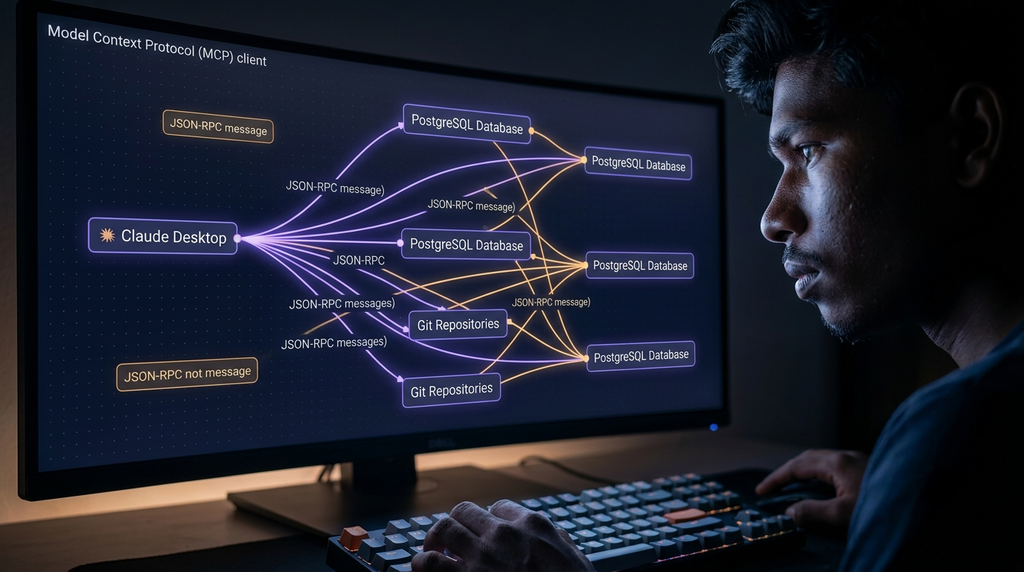
3. Database & Knowledge Store MCP Servers
Database servers turn relational databases, data warehouses, and vector stores into active conversational endpoints. Instead of writing manual queries in separate clients, engineers ask natural-language questions and receive answers grounded in live schemas.
- Primary Implementations: PostgreSQL MCP Server, SQLite Connector, Neo4j Graph Server, Snowflake Analytics Server.
- Standout Capabilities: Automated Schema Discovery to expose table definitions, foreign keys, and indexes as read-only resources; Parameterized Query Execution with safe input validation to prevent injection vulnerabilities; Semantic Memory Access to connect directly with vector stores.
- Practical Workflow: Launch an MCP database server connected to a staging database, allowing your AI assistant to inspect table structures, generate optimized queries, and diagnose slow joins in seconds.
4. Remote API & Cloud Service MCP Connectors
Cloud service servers bridge internal software stacks with external platforms, including project management suites, issue trackers, and real-time communication channels.
- Primary Implementations: GitHub MCP Server, Slack Workspace Server, Jira Issue Tracker, Brave Search Web Connector, Puppeteer Headless Browser.
- Standout Capabilities: Pull Request Management to create, review, and comment on GitHub PRs; Team Communications Integration to read Slack incident channels and post deployment summaries; Live Web Research with real-time web search and DOM scraping.
- Practical Workflow: Authenticate with a personal access token, connect the GitHub MCP server, and instruct your AI assistant to analyze pending pull requests and summarize review comments.
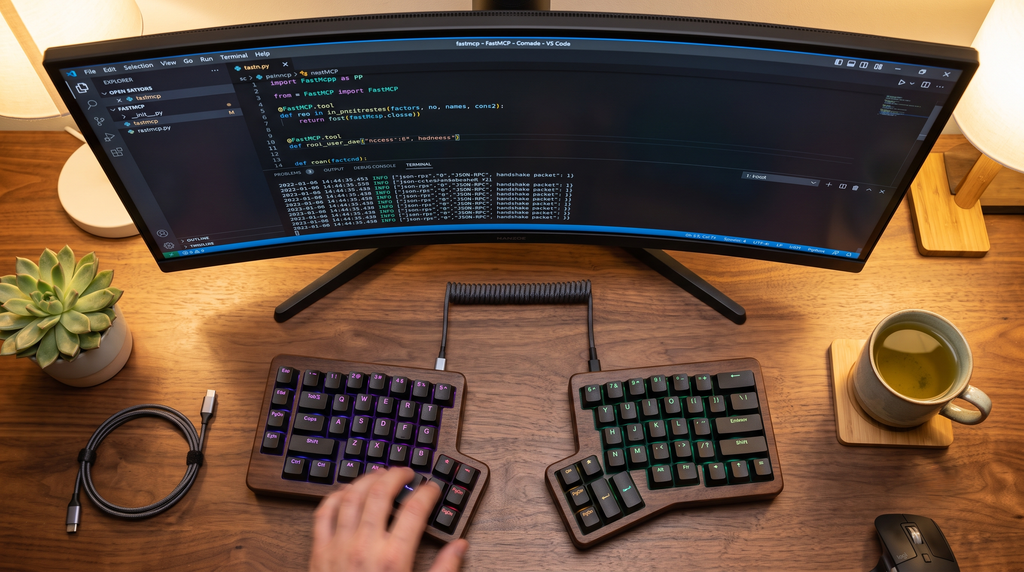
5. Custom MCP Development Frameworks: FastMCP & TypeScript SDK
Building proprietary MCP servers is straightforward thanks to high-level framework abstractions. Developers avoid parsing raw JSON-RPC packets manually; modern libraries handle protocol handshakes, serialization, and schema generation automatically through clean language decorators.
- Primary Implementations: FastMCP for Python, official @modelcontextprotocol/sdk for TypeScript and Node.js.
- Standout Capabilities: Type-Safe Decorators in Python with automated Pydantic validation; Instant Schema Generation translating type hints into OpenAPI-compliant JSON schemas; Built-in Inspection Tools for local debugging before production.
- Practical Workflow: Write a clean Python function with type hints, decorate it with FastMCP, and run it locally with standard I/O transport.
🛠️ 4. 5-Step Implementation Pipeline: Building a Custom FastMCP Server in Python
Follow this practical five-step workflow to build and test a custom Model Context Protocol server in Python using FastMCP:
Step 1: Install Dependencies
Create an isolated virtual environment and install FastMCP:
python3 -m venv .venv
source .venv/bin/activate
pip install fastmcp psutil python-dotenv
Step 2: Author the Server Implementation (server.py)
Create a new file named server.py containing custom tools and resources:
from fastmcp import FastMCP
import platform
import psutil
# Initialize the Model Context Protocol server
mcp = FastMCP(“SystemDiagnosticsServer”)
@mcp.resource(“system://metrics”)
def get_system_metrics() -> str:
“””Provides real-time CPU and memory metrics as read-only context.”””
cpu_usage = psutil.cpu_percent(interval=1)
memory = psutil.virtual_memory()
return f”CPU: {cpu_usage}% | RAM: {memory.percent}% | Free RAM: {memory.available // (1024 * 1024)}MB”
@mcp.tool()
def get_platform_info() -> dict:
“””Returns detailed OS and hardware specifications.”””
return {
“system”: platform.system(),
“release”: platform.release(),
“machine”: platform.machine(),
“processor”: platform.processor()
}
@mcp.tool()
def calculate_disk_headroom(path: str = “/”) -> dict:
“””Calculates available disk storage for a specified directory path.”””
usage = psutil.disk_usage(path)
return {
“path”: path,
“total_gb”: round(usage.total / (1024**3), 2),
“free_gb”: round(usage.free / (1024**3), 2),
“percent_used”: usage.percent
}
if __name__ == “__main__”:
mcp.run()
Step 3: Configure Your Host Application
Add your newly created server to your host application configuration. For Claude Desktop, edit claude_desktop_config.json:
{
“mcpServers”: {
“system-diagnostics”: {
“command”: “/absolute/path/to/.venv/bin/python”,
“args”: [“/absolute/path/to/server.py”]
}
}
}
Step 4: Validate with MCP Inspector
Before launching in production, test your server using the official MCP Inspector tool to verify tool discovery and schema validation:
npx @modelcontextprotocol/inspector /absolute/path/to/.venv/bin/python /absolute/path/to/server.py
Open the generated local URL in your browser, trigger test calls, and inspect the JSON-RPC request and response payloads.
Step 5: Execute Queries in Your Host App
Restart your host application. Ask natural questions like:
“Check my local machine specs and tell me if I have enough disk space to download a 20GB dataset.”
The model identifies the required tools, asks for confirmation, runs the script through the MCP stdio transport, and delivers an accurate, grounded answer.
📚 5. Recommended Guides & Developer Resources
Expand your production engineering capabilities with these related technical guides on ISMARTANJI CREATIONS:
- 7 Breakthrough AI Coding Assistants for Developers in 2026 – Accelerate your software development with agentic code editors.
- 7 Breakthrough AI Observability Platforms for Developers in 2026 – Master LLM tracing, prompt evaluations, and token cost telemetry.
- 7 Breakthrough Real-Time Voice AI Platforms in 2026 – Build sub-300ms conversational audio agents with WebRTC.
- 7 Breakthrough AI Vector Databases for Developers in 2026 – Construct low-latency retrieval memory for enterprise AI agents.
- 7 Breakthrough AI Robotics Frameworks for Developers in 2026 – Explore embodied AI simulation and neural motion policies.
❓ 6. Frequently Asked Questions (FAQ)
What makes Model Context Protocol different from OpenAI function calling?
OpenAI function calling requires passing custom JSON schemas directly inside every API request payload, creating tight coupling to a single model provider. The Model Context Protocol establishes an independent client-server boundary using standard JSON-RPC 2.0. Once you build an MCP server, any compliant host or model can use its tools and resources without altering the underlying codebase.
Does Model Context Protocol support remote servers over the internet?
Yes. While local servers typically use standard input/output (stdio) for fast, secure inter-process communication, the protocol supports Server-Sent Events (SSE) over HTTP. This allows development teams to host centralized MCP servers in the cloud and connect distributed developer teams to shared enterprise resources.
How does MCP protect sensitive local files from malicious AI actions?
Host applications act as security gatekeepers. When an MCP server registers a tool, the host application inspects its declared schema and requires explicit user confirmation before executing any action that modifies local files or runs external commands. Furthermore, filesystem servers limit access strictly to approved directories.
Can I build an MCP server in languages other than Python?
Yes. Official SDKs exist for TypeScript and Node.js, and active open-source community implementations are available for Go, Rust, and Java. Because the protocol relies on standard JSON-RPC 2.0, you can implement an MCP server in any programming language capable of reading standard input and writing standard output.
🏁 7. Summary & Action Plan
The Model Context Protocol has eliminated the painful friction of proprietary AI tool integrations. By establishing a universal, open standard for context exchange and tool execution, MCP allows developers to build reliable, reusable capabilities that work across any editor, model, or autonomous agent.
📋 Your 5-Step Action Checklist:
- [ ] Audit your current agent code to identify bespoke, fragile API glue code.
- [ ] Install a local MCP-compatible host environment like Claude Desktop, Cursor, or Zed.
- [ ] Connect pre-built open-source MCP servers for your local filesystem and Git repositories.
- [ ] Build a custom FastMCP server in Python to expose internal APIs and databases safely.
- [ ] Enforce user confirmation boundaries on all state-mutating production tools.
Are you building custom Model Context Protocol servers for your development team this year? Share your architecture thoughts and tool ideas in the comments below, and visit ISMARTANJI CREATIONS for daily technical guides on AI breakthroughs, developer tools, and automation workflows!