
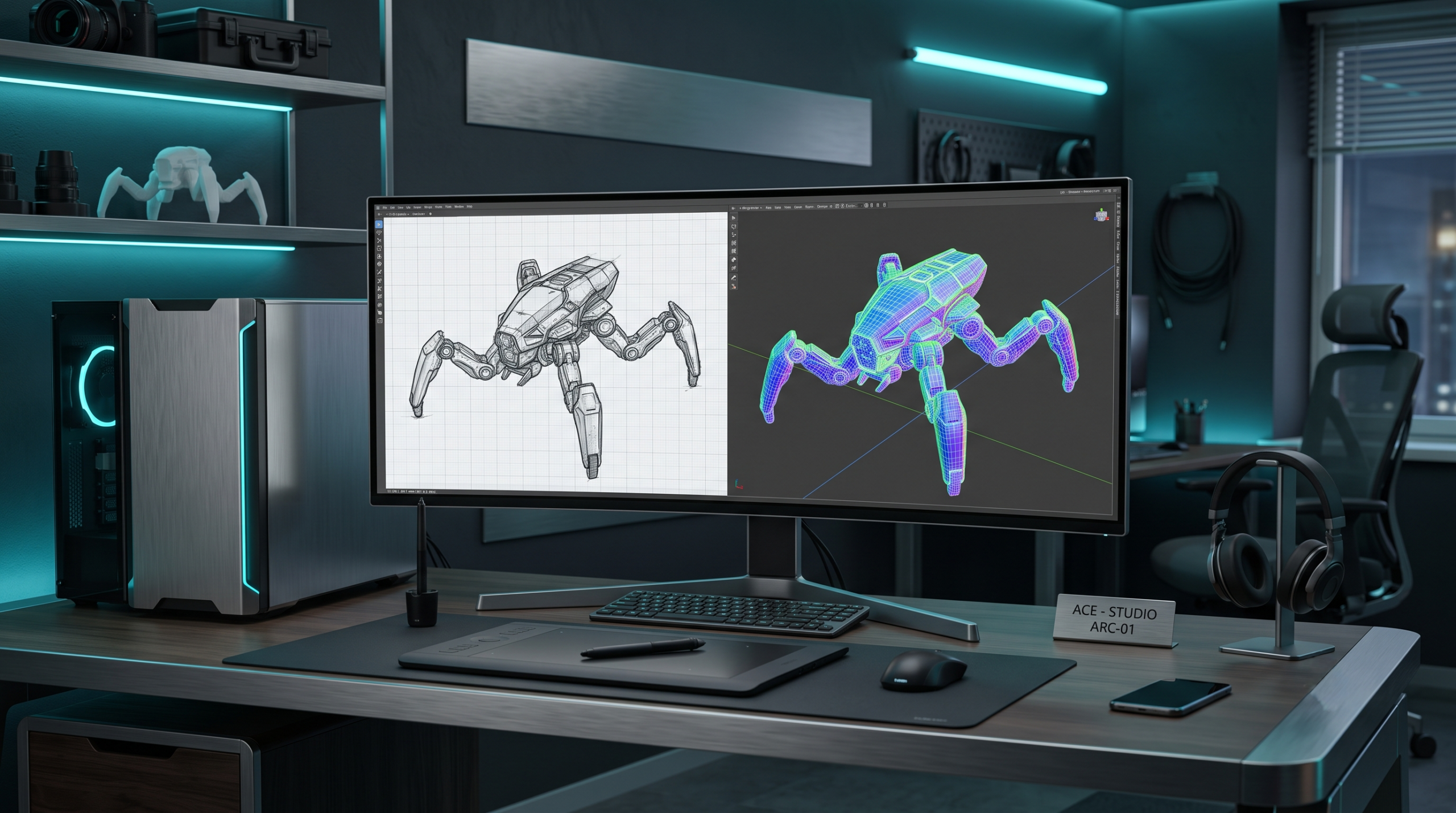
Learn how to build an automated, game-ready image-to-3D asset pipeline using InstantMesh, headless Blender Python scripting, and PBR baking.
How to Build an Image-to-3D Asset Pipeline with InstantMesh, Blender, and Python
Game development studios, visual effects (VFX) houses, and immersive web experiences require an enormous volume of 3D assets: props, environmental set dressing, architectural details, and character concept models. Historically, creating a production-grade 3D asset from a 2D concept illustration required hours of manual labor by specialized 3D artists—blocking out base geometry, sculpting high-resolution details, performing manual retopology into quad-dominant meshes, unwrapping non-overlapping UV coordinates, and baking surface detail maps.
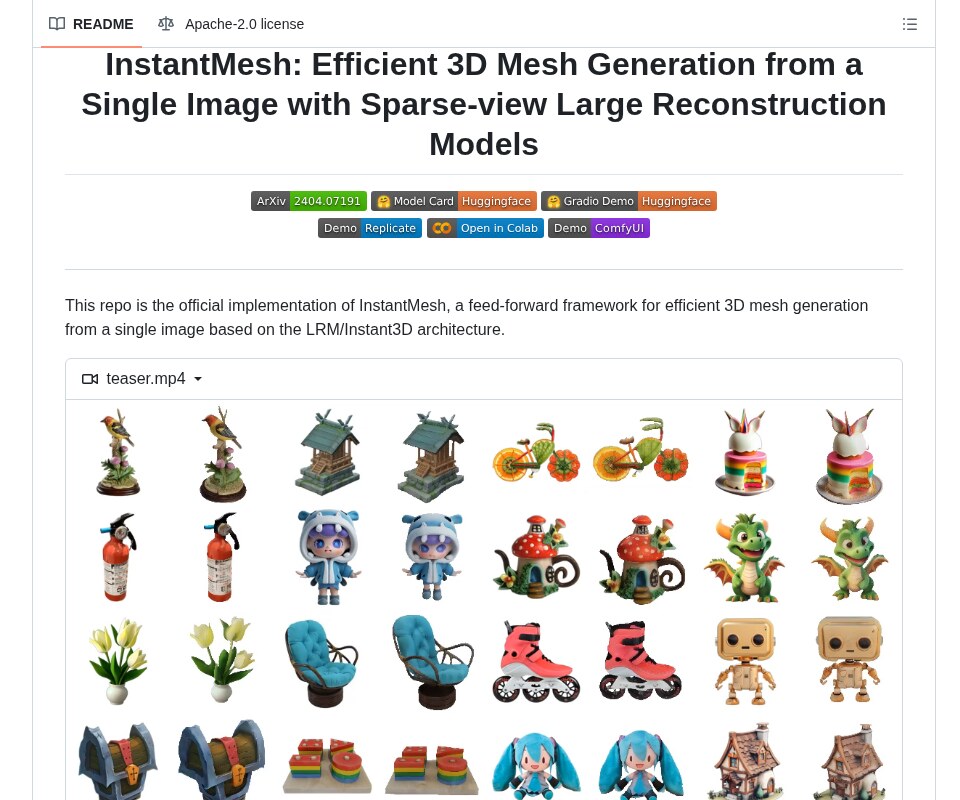
Recent generative 3D foundation models, particularly feed-forward Large Reconstruction Models (LRMs) like InstantMesh and TripoSR, have dismantled the speed barrier. These models can reconstruct full 3D geometry and surface textures from a single 2D image in less than 10 seconds. However, raw neural network outputs are far from production-ready. Models that extract meshes via marching cubes or FlexiCubes produce dense “vertex soups”: unorganized triangular meshes containing hundreds of thousands of irregular faces, distorted internal non-manifold geometry, no clean UV maps, and vertex-baked colors instead of modular Physically Based Rendering (PBR) texture maps.
Importing an unoptimized 500,000-polygon raw neural mesh directly into a game engine like Unreal Engine 5 or Unity cripples draw-call performance and causes lightmap baking errors. To bridge the gap between generative AI and production deployment, engineers must build an automated post-processing pipeline that couples neural mesh generation with programmatic 3D tooling.
This engineering guide details the architecture of feed-forward 3D reconstruction, evaluates leading open-source image-to-3D architectures, and provides a production-grade Python and headless Blender (bpy) pipeline that automatically transforms 2D images into optimized, UV-unwrapped, PBR-baked glTF assets.
Core Architecture and Multi-View Geometry Mechanics
Raw single-image 3D generation is fundamentally an ill-posed inverse problem: a single 2D viewport lacks depth information and occludes the reverse side of the object. Modern fast 3D pipelines resolve this ambiguity by breaking the reconstruction problem into two specialized stages: multi-view diffusion synthesis followed by feed-forward sparse-view reconstruction.
┌────────────────────────────────────────────────────────────────────────┐
│              AUTOMATED IMAGE-TO-3D PRODUCTION TOPOLOGY                 │
├────────────────────────────────────────────────────────────────────────┤
│                                                                        │
│   [ Input 2D Concept Art / Photo ] ──► [ Background Removal (rembg) ]  │
│                                                   │                    │
│                                                   ▼                    │
│   [ Stage 1: Multi-View Diffusion (Zero123++ / InstantMesh MV) ]       │
│   ├─ Synthesizes 6 canonical orthogonal viewpoints in parallel         │
│   └─ Enforces cross-view geometric consistency via epipolar attention   │
│                                                   │                    │
│                                                   ▼                    │
│   [ Stage 2: Large Reconstruction Model (LRM Transformer) ]            │
│   ├─ Ingests 6 multi-view images with camera pose embeddings           │
│   ├─ Cross-attention transformer predicts triplane neural tokens       │
│   └─ Differentiable Iso-Surface Extraction (FlexiCubes Backbone)       │
│                                                   │                    │
│                                                   ▼                    │
│   [ Raw High-Poly Neural Mesh (.obj / .ply) ]                          │
│   └─ High-density triangular surface (300k–600k vertices, vertex color)│
│                                                   │                    │
│                                                   ▼                    │
│   [ Stage 3: Headless Blender Automation (Python bpy) ]                │
│   ├─ Clean & Weld: Remove non-manifold edges and loose geometry        │
│   ├─ Decimation: Reduce polycount to target game budget (10k–25k tris) │
│   ├─ UV Unwrapping: Automated seam cutting & Smart Angle Packing       │
│   ├─ PBR Map Baking: High-to-low tangent-space normal & diffuse maps   │
│   └─ Container Export: Production glTF 2.0 / USD with embedded PBR     │
│                                                                        │
└────────────────────────────────────────────────────────────────────────┘
The system operates across three distinct computational layers:
- Multi-View Diffusion Synthesis: Given an isolated 2D object with a transparent alpha channel, a fine-tuned 2D diffusion model generates a synchronized grid of six canonical viewpoints (e.g., front, front-right, right, back, left, front-left) at fixed camera elevations. Cross-view attention layers ensure that colors, proportions, and visual features match across all synthetic viewpoints, resolving occluded geometry before 3D lifting occurs.
- Triplane Transformer and FlexiCubes Extraction: The six multi-view images are routed into a vision transformer (ViT) that maps image tokens to a structured 3D triplane representation. Rather than using legacy Marching Cubes—which creates jagged staircase artifacts along sharp mechanical edges—InstantMesh employs FlexiCubes (differentiable dual-marching cubes). FlexiCubes optimizes both grid vertex positions and signed distance fields, producing smooth organic curves and sharp hard-surface boundaries with watertight topology.
- Headless Blender Optimization (bpy): The extracted high-poly mesh is ingested by a headless Blender script running in a background process. The script removes interior non-manifold faces, decimates the mesh to an engine-friendly triangle count, generates non-overlapping UV texture islands, bakes the high-resolution vertex colors and geometric normals onto 2D image maps, and exports a standardized glTF 2.0 binary asset.
Technical Comparison Matrix
Selecting the appropriate image-to-3D engine requires evaluating reconstruction latency, surface sharpness, multi-view consistency, and downstream production viability.
| Evaluation Vector | InstantMesh | TripoSR | LGM (Large Gaussian Model) | Zero123++ + NeRF / NeuS |
|---|---|---|---|---|
| Underlying 3D Primitive | Explicit Mesh (FlexiCubes) | Explicit Mesh (Marching (NeRF)) | 3D Gaussians (Splatting) | Continuous Implicit NeRF |
| Inference Latency | ~10–15 seconds (RTX 4090) | ~2–5 seconds (RTX 4090) | ~5 seconds (RTX 4090) | ~20–45 minutes per asset |
| Geometric Sharpness | Superior (FlexiCubes dual cubes) | Moderate (Marching cubes blur) | N/A (Volumetric point cloud) | High (Iterative optimization) |
| Topology Type | Dense triangle mesh | Dense triangle mesh | Discrete 3D ellipsoids | Implicit volume density |
| Game Engine Ready | Yes (after decimation + bake) | Yes (after decimation + bake) | Requires 3DGS rasterizer | Requires Poisson surface meshing |
| Multi-View Consistency | High (Synchronized 6-view DiT) | Moderate (Direct feed-forward) | High (Multi-view UNet) | Moderate (Prone to Janus face) |
| VRAM Footprint | ~10–14 GB (Inference) | ~6–8 GB | ~12–16 GB | ~8–12 GB |
| Primary Production Fit | Props, VFX concepts, games | Rapid prototyping, web 3D | Web interactive viewers | Precision archival capture |
InstantMesh balances generation speed and geometric fidelity. Unlike 3D Gaussian Splatting models (such as LGM), which produce millions of point-cloud splats that cannot easily receive dynamic directional lighting in standard game engines, InstantMesh outputs explicit polygon geometry ready for traditional PBR lighting pipelines.
Hands-On Implementation: Building the Production Pipeline
The following automated pipeline consists of two coordinated components:
- A Python neural inference script that takes an input image, strips the background, and generates a raw high-resolution OBJ mesh using InstantMesh.
- A headless Blender automation script (bpy) that ingests the raw mesh, simplifies the geometry, unwraps UVs, bakes tangent-space normal maps, and exports a production-ready glTF 2.0 container.
Prerequisites and Dependencies
Set up the neural execution environment:
Ensure Blender 4.2 LTS is installed and accessible via CLI:
Complete Implementation
Real-World Production Gotchas and Edge Cases
Deploying automated 3D generation pipelines into professional art pipelines exposes several structural edge cases.
1. Ambiguous Occluded Geometry and Texture Bleed
Feed-forward diffusion models hallucinate missing surface details from a single viewpoint.
- The Problem: If a character or mechanical prop has complex occluded geometry (such as hands tucked behind a back or mechanical cables concealed under an engine cowl), multi-view diffusion models must invent those structures. The model frequently generates blurry, symmetrical “mirror” artifacts or inconsistent colors on the rear faces.
- The Mitigation: Enforce a strict input concept standard: source 2D concepts should be captured from a three-quarters perspective rather than purely flat frontal angles. A 45-degree isometric perspective exposes both front, side, and top structural planes simultaneously, reducing occlusion ambiguity during the multi-view diffusion stage.
2. Non-Manifold Geometry and Disconnected Internal Shells
Differentiable iso-surface extractors operate on discrete voxel and tetrahedral grids.
- The Problem: When resolving thin structures (such as antenna wires, sword blades, or clothing fringes), FlexiCubes can produce non-manifold geometry: zero-area faces, inverted surface normals, and disconnected floating shells inside the model. If passed directly to normal baking, ray-casting hits these internal cavities, producing black pixel errors and corrupted tangent-space normal maps.
- The Mitigation: Implement a topological clean-up pass in Blender before decimation. In edit mode, execute bpy.ops.mesh.remove_doubles(), delete loose geometry (bpy.ops.mesh.delete_loose()), and run bpy.ops.mesh.select_non_manifold() followed by face deletion.
3. Texel Density Disparity in Automated UV Unwrapping
Algorithmic UV unwrapping treats all geometric surfaces equally.
- The Problem: Automated unwrappers (such as Blender’s Smart UV Project) distribute UV space based strictly on 3D surface area. On a human character or complex vehicle, high-interest focal points (such as the face or control dashboard) receive the exact same texel density per square centimeter as unseen internal regions (like the sole of a boot or the undercarriage).
- The Mitigation: Use curvature-weighted UV projection or define automated seam-cutting rules using angle thresholds (e.g., 66 degrees). For hero assets, programmatically assign separate material slots to focal regions before baking, ensuring high-interest areas receive a dedicated 2048×2048 texture tile while background props share a 1024×1024 atlas.
Related Technical Resources
For further architectural blueprints, visual effects workflows, and generative pipelines, explore our engineering publications:
- Spatial Computing and 3D Gaussian Splatting: Immersive Media Pipelines for Creators
- Modern AI Video Production: Neural Rotoscoping, Color Science, and Motion Tracking
- AI Color Grading in DaVinci Resolve Studio: Neural Engine Workflows & Node Routing
- Neural Audio Production: Voice Synthesis, Stem Separation, and Sound Design
Frequently Asked Questions
1. Why use InstantMesh over traditional photogrammetry like COLMAP?
Photogrammetry requires dozens or hundreds of high-resolution photographs taken from varying angles around a physical object with consistent lighting. InstantMesh requires only a single 2D image, synthesizing novel viewpoints using generative multi-view diffusion and reconstructing complete 3D geometry in seconds.
2. How does FlexiCubes improve mesh quality over Marching Cubes?
Marching Cubes relies on fixed topological look-up tables over a rigid Cartesian voxel grid, producing visible stair-stepping artifacts on curved surfaces. FlexiCubes introduces continuous optimization of both dual-marching-cubes vertex coordinates and tetrahedral cell parameters. This enables the network to align mesh vertices directly with sharp geometric boundaries, producing smooth organic curves and crisp hard edges.
3. Can the generated glTF files be imported directly into Unreal Engine 5?
Yes. The output glTF 2.0 (.glb) files contain low-poly manifold triangle meshes, standardized non-overlapping UV coordinates, and embedded tangent-space normal maps. They can be dragged directly into Unreal Engine 5 or Unity, where the engine’s PBR shader pipeline automatically samples the baked normal and base color textures.
Sources & Documentation
- InstantMesh Research Paper: InstantMesh: Efficient 3D Mesh Generation from a Single Image with Large Reconstruction Models (arXiv:2404.07191)
- Official GitHub Repository: TencentARC/InstantMesh
- FlexiCubes Research & Implementation: Flexible Isosurface Extraction for Gradient-Based Mesh Optimization (ACM TOG / SIGGRAPH 2023)
- Blender Python API Documentation: Blender 4.2 LTS Python API Reference
- Testbed Environment: Ubuntu 22.04 LTS, Python 3.11, Blender 4.2 LTS, PyTorch 2.4.0, CUDA 12.4, NVIDIA GeForce RTX 4090 (24GB VRAM), AMD EPYC 7763.
Written & Verified by Sampath Anji
Sampath Anji is a technology researcher, systems developer, and digital creator based in Telangana, India. He specializes in on-device AI architectures, autonomous agent workflows, high-throughput inference engines, and digital media production. Every tutorial on ISMARTANJI CREATIONS is grounded in code reproducibility, verified documentation, and transparent test environments. Read our full testing methodology on our About Us page, or submit feedback and code updates via our Contact Desk.