

Discover AI-Driven UI/UX Design Engineering: Component Synthesis and Design Systems. Turn text prompts into responsive components, automated wireframes, and live interactive web apps.
AI-Driven UI/UX Design Engineering: Component Synthesis and Design Systems
For decades, digital product design was bottlenecked by tedious manual labor. UI/UX designers, frontend developers, and digital creators spent endless hours on repetitive production tasks: manually adjusting auto-layout padding, naming hundreds of nested layers, creating button states frame-by-frame, and translating static vector mockups into production code. When a client requested a design overhaul, reworking component libraries consumed entire weeks.
In 2026, that traditional friction has vanished. Modern AI UI UX design tools 2026 empower solo creators, product managers, and agile design teams to convert natural language prompts into responsive layouts, cohesive design systems, and production-ready React components in seconds. Instead of pushing pixels manually, designers now act as creative directors—orchestrating generative design engines that build accessible, production-tested interfaces at lightning speed.
Understanding Next-Generation AI Design System Architecture
Modern AI design platforms have advanced far beyond basic image generators or static layout templates. Rather than outputting flat pixel images that cannot be modified, modern generative design engines work with structured semantic tokens, native flexbox layouts, and live web code.
The workflow starts by interpreting natural language user stories or hand-drawn notebook sketches. The engine maps these inputs against modern accessibility guidelines (WCAG 2.2), assigns auto-layout padding rules, applies unified brand tokens, and outputs fully interactive prototypes that sync directly with your frontend codebase.
Legacy Vector Design Workflows vs. 2026 Generative UI Systems
The shift from manual vector editing to intelligent generative design systems provides an exponential boost in creative speed and technical fidelity. The table below illustrates how modern AI platforms outperform traditional design software across every stage of the design cycle.
| Design Phase | Traditional Manual Workflow (Legacy Figma/Sketch) | Modern Generative UI Stack (2026) | Creator Productivity Gain |
|---|---|---|---|
| Ideation & Wireframing | Sifting through static UI kits and drawing wireframes box by box | Generating complete multi-screen user flows from a single text prompt | 85% faster initial concept delivery |
| Responsive Adaptation | Manually creating separate desktop, tablet, and mobile frames | Instant automated auto-layout conversion across all viewport breakpoints | Eliminates redundant layout work |
| Design System Management | Manually updating color variables, typography scales, and layer names | Context-aware AI design auditing, automated renaming, and token syncing | 100% brand consistency across teams |
| Interactive Prototyping | Drawing spaghetti connection wires between hundreds of static frames | Natural language micro-interactions and functional live state management | Instant user testing readiness |
| Developer Handoff | Inspecting static CSS properties with endless design-to-code drift | One-click export into production-ready React, Tailwind, and Vue components | Zero code translation errors |
AI-Driven UI/UX Design Engineering: Component Synthesis and Design Systems
Here are the top seven AI-powered design platforms leading the industry in interface quality, developer integration, and creative flexibility.
1. v0 by Vercel – Generative Component Synthesis with React & Tailwind
Created by the team at Vercel, v0 is the industry benchmark for prompt-to-component UI generation. By combining large language models with the popular Shadcn UI component library and Tailwind CSS, v0 allows creators to generate, iterate upon, and export production-grade web interfaces instantly.
- Best For: Full-stack developers, SaaS founders, indie hackers, and technical creators who want code-ready UI components.
- Standout Features:
- Prompt-Driven Component Synthesis: Describe your target interface in plain language (e.g., A modern dark-mode SaaS analytics dashboard with revenue charts and user activity tables) and receive clean, modular JSX code.
- Surgical Block Editing: Select any individual element on the preview canvas to adjust colors, padding, typography, or content without regenerating the entire screen.
- Native Shadcn UI & Radix Primitives: Generated components use accessible, battle-tested primitives ready for direct integration into Next.js projects.
- Direct NPM / CLI Export: Copy component code with one click or install directly into your local codebase via the v0 CLI.
- Practical Workflow: Type your UI prompt, preview the live interactive component in the browser, refine individual cards and navigation bars using targeted prompts, and copy the React code straight into your application.
- Licensing & Pricing: Free tier includes monthly generation credits; Premium plans start at $20 per month for higher limits and private generations.
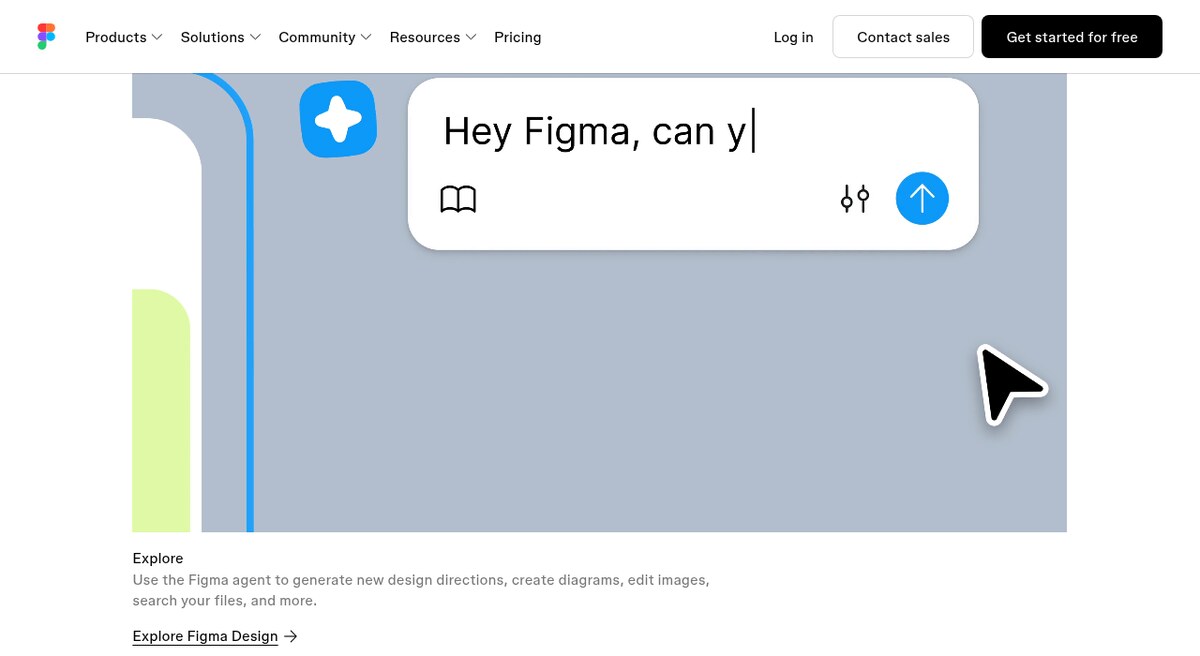
2. Figma AI – Native Layout Automation & Visual Intelligence
Figma remains the collaborative home for product design teams, and its integrated Figma AI engine brings generative intelligence directly into your existing canvas. Figma AI removes the friction from day-to-day layout assembly, asset search, and design documentation.
- Best For: Professional UI/UX designers, digital agencies, and enterprise design teams collaborating in real time.
- Standout Features:
- Instant First Draft: Generate editable mobile and desktop UI screens from simple natural language prompts directly on your Figma canvas.
- Context-Aware Layer Renaming: Automatically organizes messy layer trees into descriptive, semantic names with a single click.
- Visual Asset Search & Generation: Locate relevant component variants across massive team libraries or generate bespoke icons and background artwork on demand.
- Automated Prototype Linking: Scans your screens and connects logical user navigation pathways automatically, creating interactive click-through prototypes instantly.
- Practical Workflow: Sketch your basic user flow, highlight your frames, and let Figma AI organize auto-layout constraints, generate realistic placeholder content, and link interactive transitions.
- Licensing & Pricing: Integrated natively across Figma Professional and Organization plans ($12 to $75 per editor monthly).
3. Lovable – Prompt-to-Full-Stack Web Application Platform
Lovable takes generative UI a step further by bridging the gap between visual interface design and full-stack software development. It enables creators to describe a complete web application, generate the responsive frontend interface, and connect live backend databases automatically.
- Best For: Startup founders, solo creators, and product managers building functional software products without writing code from scratch.
- Standout Features:
- End-to-End Application Creation: Generates complete multi-page web applications with working authentication, database tables, and interactive logic.
- Supabase Backend Integration: Connects your visual UI directly to PostgreSQL databases and user auth providers with zero manual backend configuration.
- Live Interactive Sandbox: Test actual user inputs, data storage, and dynamic form submissions directly within the live browser preview.
- Bidirectional GitHub Synchronization: Export clean, production-ready TypeScript code to your GitHub repository and push updates back and forth.
- Practical Workflow: Describe your application concept, test the generated live preview, connect your database, and deploy to a live URL in minutes.
- Licensing & Pricing: Free tier available with monthly message credits; Pro subscription starts at $20 monthly.
4. Relume – AI Wireframing, Information Architecture & Sitemap Builder
Relume is an essential platform for marketing teams and web agencies. It streamlines the earliest, most critical phases of web design: information architecture, sitemap mapping, and responsive wireframe construction.
- Best For: Web designers, digital marketing agencies, and growth strategists planning complex multi-page website projects.
- Standout Features:
- AI Sitemap Architecture: Enter a company description, and Relume generates a comprehensive multi-page sitemap complete with page goals and section breakdowns.
- 1,000+ Component Wireframing Engine: Automatically populates sitemaps with structured wireframe components built on clean design standards.
- AI Copywriting Engine: Generates realistic, context-specific marketing headlines and body paragraphs tailored to your target audience.
- Seamless Figma & Webflow Export: Copy your completed wireframe into Figma or Webflow with full auto-layout and class structure preserved.
- Practical Workflow: Input your client brief, let Relume generate the site architecture and wireframe layout, review the flow with your client, and export cleanly into Figma or Webflow for visual styling.
- Licensing & Pricing: Free plan available for 1 project; Pro plans start at $38 per month.
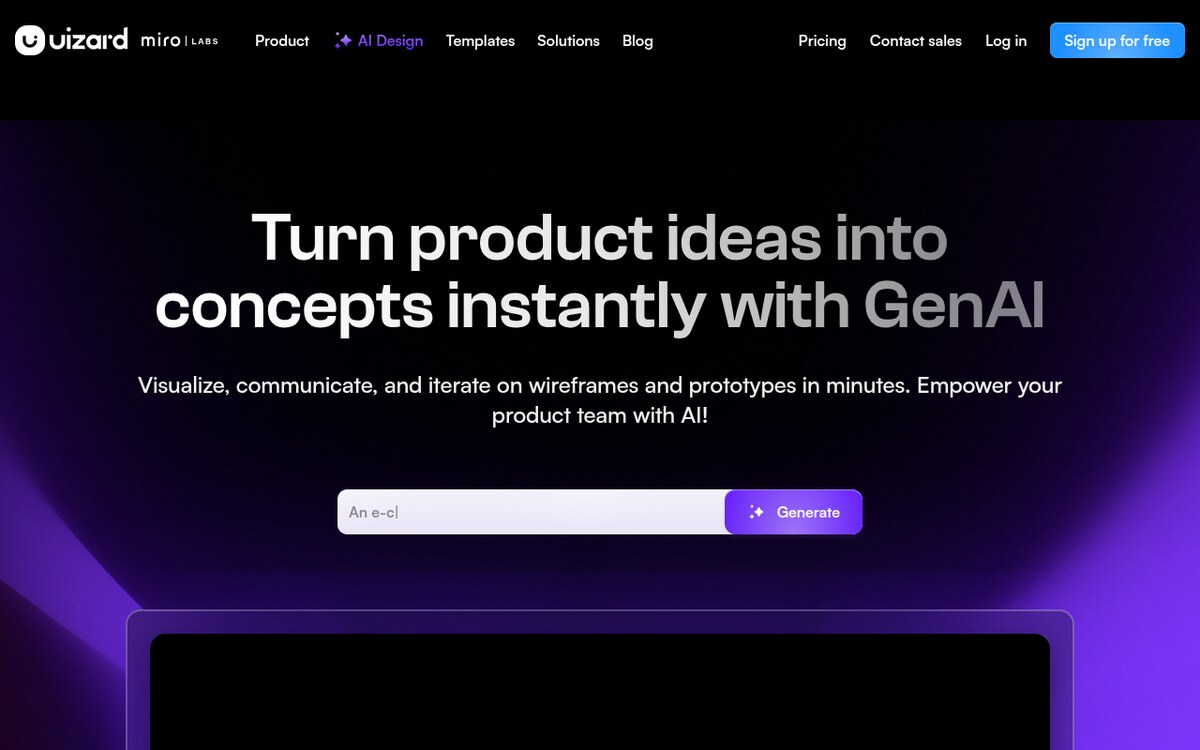
5. Uizard – Instant Hand-Drawn Sketch & Screenshot to Editable UI
Uizard democratizes UI design by turning hand-drawn pencil sketches and existing website screenshots into fully customizable, digital interface mockups in seconds.
- Best For: Non-technical creators, workshop facilitators, mobile app innovators, and rapid concept ideation.
- Standout Features:
- Sketch-to-Digital Converter: Snap a photo of a whiteboard or paper wireframe and convert it into fully editable digital vector components.
- Screenshot-to-Theme Extractor: Upload inspiration images or app screenshots to automatically extract color palettes, typography scales, and component styles.
- Autodesigner 2.0: Generate multi-screen mobile and web mockups from conversational text prompts.
- Predictive Attention Heatmaps: Uses computer vision models to predict where user eyes will focus across your screens before launching user tests.
- Practical Workflow: Sketch an app idea on a napkin, upload the photo to Uizard, refine the generated vector screens, test visual heatmaps, and share the interactive prototype link with stakeholders.
- Licensing & Pricing: Free tier includes 2 active projects; Pro plans start at $12 per creator monthly.
6. Creatie – AI-Powered Design System Manager & 3D Asset Creator
Creatie is an innovative, cloud-based design tool engineered specifically to help visual designers maintain cohesive design systems and generate tailored graphic assets without switching between external software.
- Best For: Visual designers, mobile app developers, and branding specialists seeking unified asset creation.
- Standout Features:
- Magicon (AI Icon Generator): Generates bespoke 2D, 3D, and line icons matching your exact project style and color palette.
- Design System Auditor: Automatically identifies inconsistent colors, rogue fonts, and irregular margins across thousands of design artboards.
- Smart Layout Palette: Generates harmonious color combinations and accessible contrast ratios tailored to your brand identity.
- Deep Collaborative Canvas: Full real-time multi-user editing with high-performance vector rendering.
- Practical Workflow: Establish your core brand tokens, use Magicon to create custom 3D illustration sets for your product cards, and run the design auditor to clean up layout inconsistencies across your project.
- Licensing & Pricing: Free during public access; enterprise and pro tiers launching with expanded cloud storage.
7. Framer AI – Responsive Web Layout Generation with Interactive Motion
Framer combines visual design with production web publishing. Its AI generation engine creates responsive, animation-rich websites from natural language prompts, giving creators the power to publish high-performance landing pages without writing code.
- Best For: Portfolio creators, landing page builders, and digital marketers who want publication-ready websites.
- Standout Features:
- Text-to-Website Generation: Generates complete responsive web layouts with built-in desktop, tablet, and mobile breakpoints from a single prompt.
- Adaptive Theme Customizer: Cycle through endless color palettes and typography pairings with instant real-time canvas updates.
- Micro-Interactions & Scroll Effects: Add smooth spring physics, scroll-triggered reveals, and cursor-following effects visually.
- Built-in CMS & SEO Suite: Manage blog posts, custom redirect rules, indexing settings, and analytics directly within Framer.
- Practical Workflow: Enter your website prompt, choose your visual style, tweak text and photography directly on the canvas, and hit Publish to launch live on a custom domain with global CDN hosting.
- Licensing & Pricing: Free plan available; Basic site hosting starts at $5/month, with Pro plans at $30/month.
5-Step Blueprint to Integrate AI into Your UI/UX Workflow
Follow this five-step implementation roadmap to build a modern, high-velocity design production system:
- Map Information Architecture First: Use Relume or Uizard to establish clear sitemaps, user journey flows, and core content requirements before touching visual components.
- Generate Structured Component Wireframes: Use v0 or Figma AI to build responsive, auto-layout wireframes that adhere to clean semantic structure rather than static vector drawings.
- Establish Unified Design Tokens: Standardize your color variables, typography scales, spacing tokens, and component states using Creatie or Figma AI to maintain brand consistency.
- Build Functional, Interactive Prototypes: Connect live state and user interactions using Lovable or Framer AI so stakeholders can test realistic application flows.
- Audit Accessibility and Export Clean Code: Run automated contrast and accessibility checks (WCAG 2.2) and export clean JSX/Tailwind code directly to your software repository.
Recommended Guides & Creator Resources
Expand your creative and technical toolkit with these related masterclasses on ISMARTANJI:
- 7 Breakthrough AI Web Scraping Tools in 2026 – Automate live web data extraction and feed structured datasets to your AI applications.
- 7 Breakthrough Autonomous AI Agent Frameworks in 2026 – Build intelligent agent swarms that coordinate complex engineering tasks.
- 7 Breakthrough AI Coding Tools for Developers in 2026 – Master autonomous IDEs and terminal coding assistants.
- 7 Powerful AI Photo Editing Tools for Creators in 2026 – Speed up your graphic production with generative computational photography.
Frequently Asked Questions About AI UI/UX Design Tools
Will AI UI/UX design tools replace human product designers?
No. Generative design tools automate repetitive layout tasks, auto-layout adjustments, and basic code scaffolding, but they cannot replace human empathy, user research, brand storytelling, or strategic product thinking. Designers who master AI tools can ship significantly more projects with higher polish.
How do AI design tools ensure brand consistency across large teams?
Modern tools like Figma AI and Creatie integrate directly with shared design system tokens. When generating new components, the AI references your approved color palettes, typography rules, and spacing scales rather than inventing arbitrary styles.
Can AI design tools export production-ready code for web and mobile?
Yes. Platforms like v0, Lovable, and Framer generate clean, semantic React, Tailwind CSS, and TypeScript code that adheres to modern web standards, dramatically reducing developer handoff friction.
Which tool is best for converting hand-drawn wireframes into digital prototypes?
Uizard is the leading tool for sketch-to-UI conversion. You can photograph paper wireframes or whiteboard sketches, and Uizard automatically translates the shapes and handwriting into fully editable vector screens and digital components.
Final Thoughts: Designing in the Generative Era
The rise of generative UI/UX tools marks a fundamental turning point in digital product creation. By offloading repetitive pixel management to intelligent engines, designers and creators can focus their energy where it matters most: crafting engaging user experiences, testing innovative features, and bringing ambitious digital ideas to life.
Quick 5-Step Action Checklist
- Test v0 by generating a custom dashboard component for your next project.
- Set up Figma AI to automate layer renaming and auto-layout formatting.
- Generate a comprehensive website sitemap using Relume.
- Audit your existing design files for token consistency with Creatie.
- Connect your interactive UI prototype directly to a live database using Lovable.
Which AI UI/UX design tool are you most excited to add to your creative stack? Share your thoughts in the comments below, and explore our latest digital creation guides on ISMARTANJI to master modern tech workflows!
Sources & Further Reading
- Figma Help Center: AI features
- W3C: Web Content Accessibility Guidelines (WCAG) 2.2
- Material Design 3
Written & Verified by Sampath Anji
Sampath Anji is a technology researcher, systems developer, and digital creator based in Telangana, India. He specializes in on-device AI architectures, autonomous agent workflows, high-throughput inference engines, and digital media production. Every tutorial on ISMARTANJI CREATIONS is grounded in code reproducibility, verified documentation, and transparent test environments. Read our full testing methodology on our About Us page, or submit feedback and code updates via our Contact Desk.